




PCB Screw Terminal Block 5.08mm 2-Pin/3-Pin (KF301)
Price range: ₵2.00 through ₵3.00
The KF301 PCB Screw Terminal Block provides secure wire-to-board connections for electronic circuits, power supplies and DIY projects. Featuring 5.08mm pin spacing, screw-clamp terminals and through-hole PCB mounting, it is available in 2-pin and 3-pin configurations, in blue or green.
| Colour | Green, Blue |
|---|---|
| Number of Pins | 2-Pin, 3-Pin |
The PCB Screw Terminal Block (KF301) is a compact connector designed to provide secure, removable wire connections on printed circuit boards. With standard 5.08mm pin spacing and screw-clamp terminals, it allows wires to be connected or disconnected without repeatedly soldering them to the circuit board.
Available in 2-pin and 3-pin configurations, with blue and green housing options, the KF301 terminal block is suitable for electronics prototyping, power supply connections, motor control circuits, automation equipment and PCB repairs.
Key Features
- 5.08mm Pin Pitch: Standard spacing between adjacent PCB connection pins.
- 2-Pin and 3-Pin Options: Choose the appropriate number of terminals for your circuit.
- Screw-Clamp Connections: Secure stripped wires without soldering the wires directly to the PCB.
- Through-Hole PCB Mounting: Metal pins are soldered into compatible circuit boards.
- Reusable Connections: Wires can be removed or replaced by loosening the terminal screws.
- Insulated Housing: Provides separation between adjacent electrical connections.
- Blue and Green Colours: Two colour options for different circuit board designs.
Technical Specifications
| Specification | Details |
|---|---|
| Model | KF301 |
| Product Type | PCB Screw Terminal Block |
| Pin Spacing | 5.08mm |
| Available Pins | 2-Pin / 3-Pin |
| Connection Method | Screw Clamp |
| Wire Entry | Round-Hole |
| Mounting Method | Through-Hole PCB Soldering |
| PCB Terminal Orientation | Straight Pins |
| Available Colours | Blue, Green |
| Connector Function | Wire-to-Board Connection |
| Quantity | 1 Connector |
Applications
1. PCB Circuit Construction
Use KF301 screw terminal blocks to provide removable external wire connections on custom printed circuit boards.
They are especially useful when constructing permanent circuits on suitable solderable prototyping boards.
DIYGH stocks the Solderable Prototype PCB Board 9x15cm for building electronics projects.
2. Power Supply Connections
Install terminal blocks on compatible circuit boards to connect DC power supplies, regulators and electronic loads.
They can be used when constructing custom power supply circuits incorporating components such as the LM2596 DC-DC Adjustable Buck Converter Module.
3. Arduino and Microcontroller Projects
Provide secure external wiring connections for custom Arduino circuits, sensor interfaces and automation controllers.
For programmable electronics projects, DIYGH supplies the Arduino Uno R3 Development Board.
4. Motor Control and Robotics
Use PCB terminal blocks for connecting compatible motors, DC power supplies and external control wiring.
Terminal connectors are commonly used on motor driver boards such as the L298N Dual H-Bridge Motor Driver Module.
5. Electronics Repairs
Replace damaged or loose PCB terminal connectors with a matching connector having the correct pin spacing, orientation and number of terminals.
6. Electronic Control Systems
Suitable for wiring low-voltage control circuits, sensors, relays and other electronic equipment that requires detachable wire connections.
2-Pin vs 3-Pin Terminal Blocks
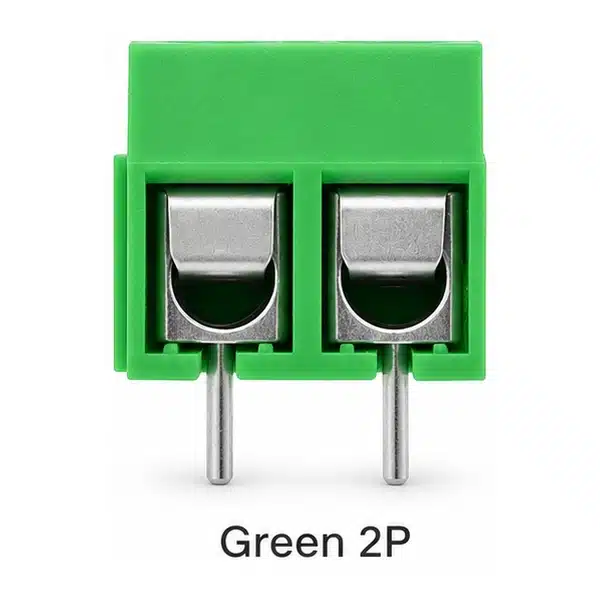
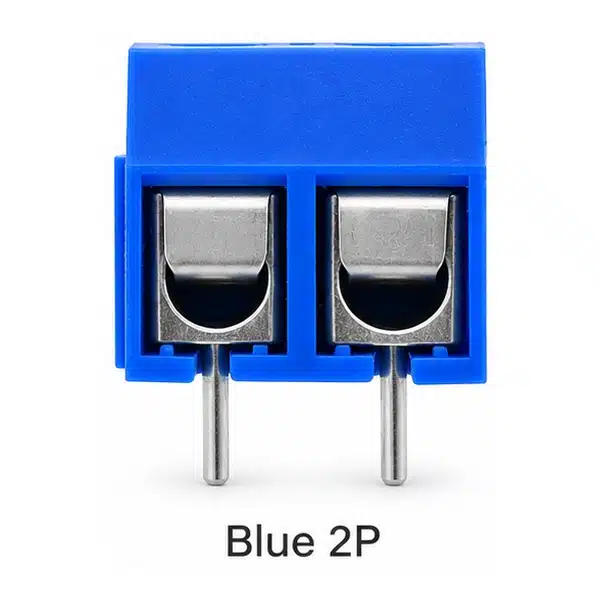
2-Pin Terminal Block (KF301-2P)
Provides two independent wire connections. Commonly used for positive and negative DC supply connections or other two-wire circuits.
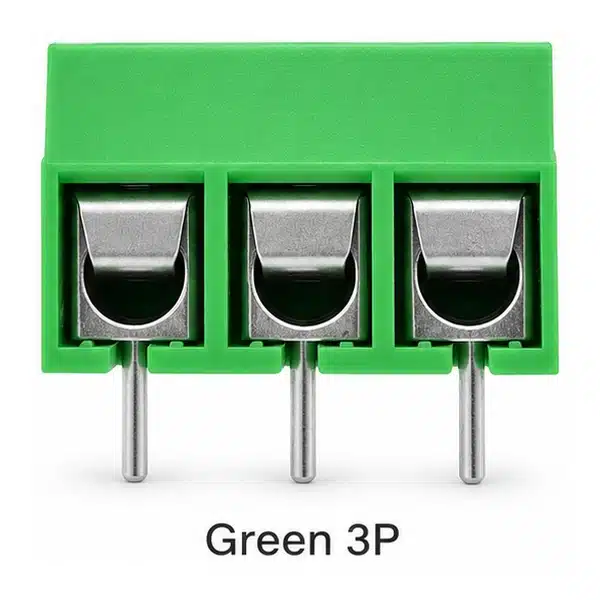
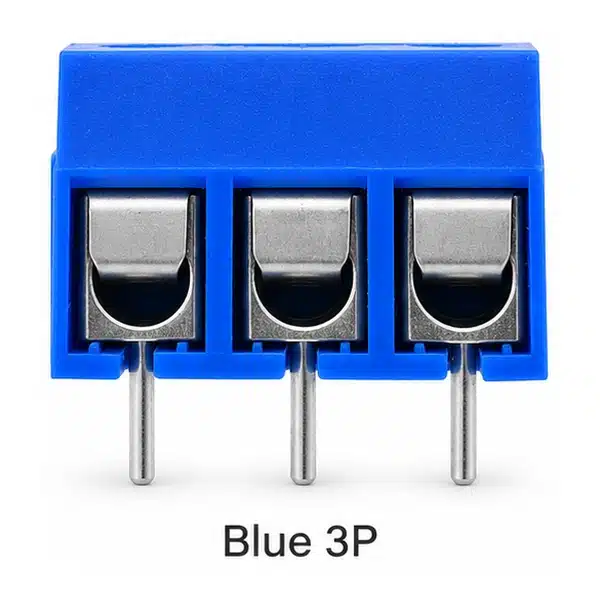
3-Pin Terminal Block (KF301-3P)
Provides three independent connections. Useful for three-wire circuits, sensor connections and signal or power wiring requiring three conductors.
The terminals are not internally connected to one another.
Installation Guide
- Select the correct 2-pin or 3-pin connector.
- Confirm that the PCB footprint matches the 5.08mm pin spacing and terminal dimensions.
- Insert the metal pins into the PCB mounting holes.
- Solder the connector securely to the PCB.
- Strip an appropriate length of insulation from the external wires.
- Insert each wire into its terminal opening.
- Tighten the screw clamp to secure the conductor.
- Check the connections before powering the circuit.
Important Usage Information
- Disconnect the power supply before installing or adjusting connections.
- Ensure that the PCB footprint and mounting holes match the connector.
- Use wire sizes suitable for the terminal’s clamping mechanism.
- Do not exceed the electrical current or voltage rating marked or documented for the actual connector.
- Avoid loose connections, exposed wire strands and excessive screw tightening.
- For mains-voltage circuits, use properly rated components, enclosures and appropriate electrical protection.
Available Variations
| Pins | Colour |
|---|---|
| 2-Pin | Blue |
| 2-Pin | Green |
| 3-Pin | Blue |
| 3-Pin | Green |
Package Includes
- 1 x KF301 PCB Screw Terminal Block (Selected Pin Count and Colour)
Available from DIYGH Tech Hub, Apatrapa Junction, Kumasi, Ghana, for PCB construction, electronics repairs, circuit prototyping and engineering projects.
Related products


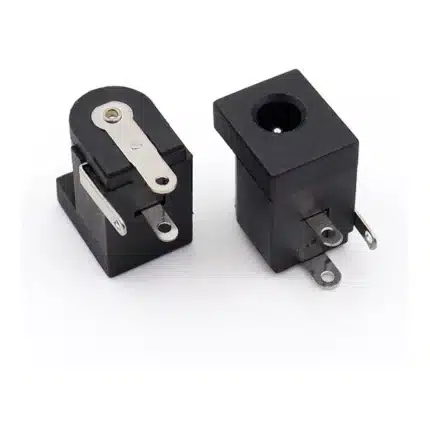
DC Power Socket DC-005C 3.5×1.35mm 3-Pin
The DC-005C 3.5x1.35mm 3-Pin DC Power Socket is a compact female barrel jack for low-voltage electronic devices, circuit boards and equipment repairs. It features a right-angle housing, three metal solder terminals and a switched contact for compatible power input circuits.
Key Features
- Model: DC-005C
- Connector size: 3.5x1.35mm
- 3-pin female DC power socket
- Right-angle horizontal configuration
- Built-in switched contact
- Black insulated housing
- Suitable for electronic repairs, DC power inputs and compact DIY circuits
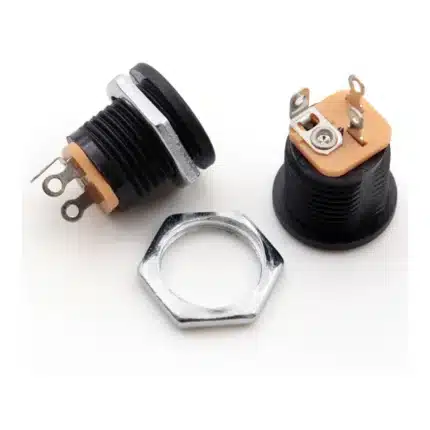
Female DC Power Socket – 5.5×2.1mm Threaded Panel Mount
Threaded 5.5×2.1mm female DC power socket for secure panel mounting in electronics and DIY projects. The all-copper contact design and three solder terminals make it suitable for power inputs, battery projects and custom electronic enclosures.
Connector: 5.5 × 2.1mm
Type: Female DC Socket
Terminals: 3
Mounting: Threaded panel mount
Contacts: Copper
Termination: Solder lug
Best For: Power supplies, project boxes, Arduino, audio and battery-powered electronics
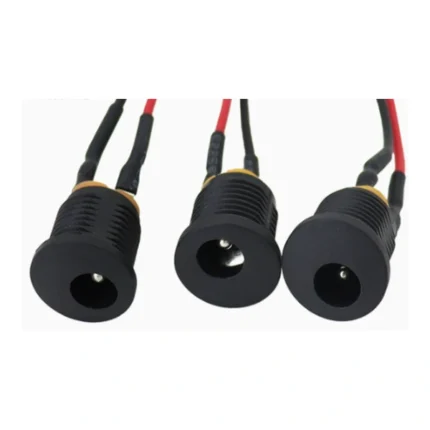
Prewired Female DC Power Socket with Threaded Panel Mount
Prewired 5.5×2.1mm female DC power socket for easy panel mounting in electronics and DIY projects. The threaded DC-022 connector reduces soldering work and provides a secure power input for project boxes, battery systems and custom electronics.
Connector: 5.5 × 2.1mm
Model: DC-022
Type: Female DC Socket
Terminals: 3
Wiring: Pre-soldered wires
Mounting: Threaded panel mount
Best For: Project boxes, power supplies, Arduino, audio and battery projects

Reviews
There are no reviews yet.